Apple Gift Cards in India: 5 Things to Check Before You Sell
Check your Apple gift card type, issuing region, unused value and INR offer before selling from India. Includes three visual examples.
An Apple gift card received from a friend abroad can look familiar while belonging to a different market or product range. Before comparing a resale offer from India, take a moment to identify what you actually hold. These five checks help you prepare the right details and avoid confusing an unused card with credit already in an Apple Account.
1. Read the full product name
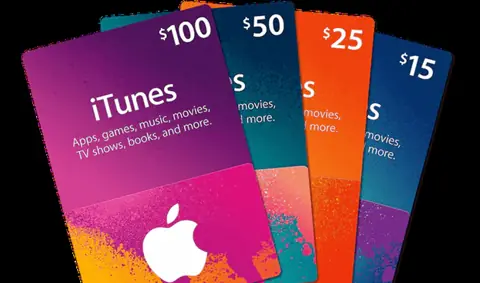
Apple Gift Card, App Store & iTunes Gift Card and Apple Store Gift Card are different product names. Do not select a listing based on the Apple logo alone. Read the original email or packaging, keep the receipt and match the product description to the current listing.
The uses available to a card or account balance depend on the product and market. Check Apple’s official guidance on what gift cards can buy rather than assuming every Apple-branded card works in the same way.
2. Identify the issuing country and currency
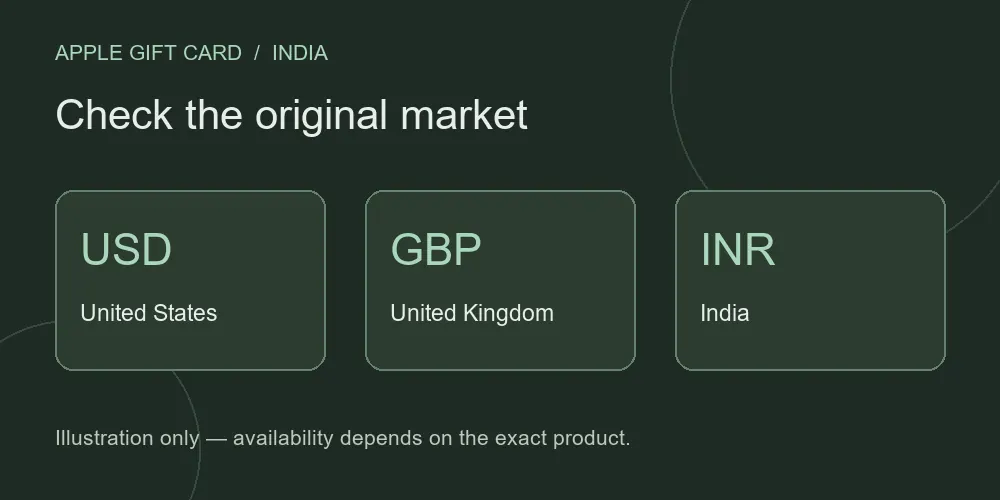
Your location in India does not change where the card was issued. A USD card and an INR card should not be treated as interchangeable. Look for the original currency and the market shown on the card, purchase receipt or delivery email.
Apple states that its gift cards can be used only in the country or region where they were purchased. See Apple’s payment guidance. This issuer restriction is separate from whether Giftcard8 has an eligible resale listing for your exact product.
3. Keep unused value separate from account credit
A code that has not been redeemed is different from money already added to an Apple Account. Do not redeem a code simply to prove its value before selling. If you need balance instructions, use the official guidance linked from our Apple gift card page and follow the instructions for your exact card.
If the card is inactive or its status is unclear, ask the original retailer or Apple support for assistance. Keep full codes and purchase evidence private; share them only through the appropriate secure verification flow.
4. Compare the available INR offer
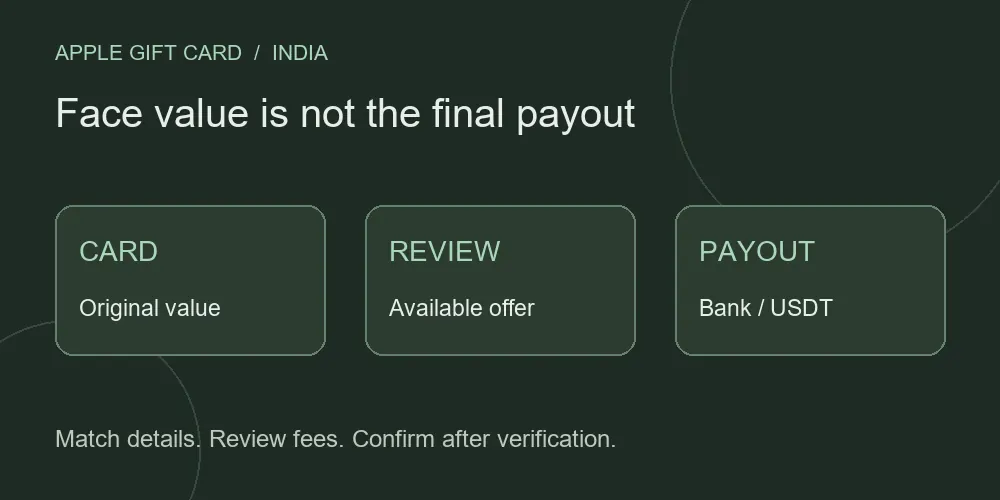
Open Apple/iTunes rates and match the currency and card type. The printed face value is the amount in the original card currency, while the INR estimate is a resale quote. It is not a bank foreign-exchange conversion or a guaranteed payout.
For example, knowing that a card has a face value of USD 100 is not enough to determine its INR payout. You also need an available quote for the matching product and must review the final offer and verification outcome. Avoid relying on a screenshot of an old rate.
5. Prepare your evidence and receiving details
Keep the original product name, country, currency, denomination and purchase evidence together. Sign in to the official Dashboard and follow the requested submission steps. If you receive a request for more information, read it before creating another submission.
Giftcard8 supports Indian bank transfer and USDT payouts. Review the final amount and receiving details for your selected method. The minimum INR withdrawal is ₹500; check the account flow for USDT-specific requirements. Card approval and payment arrival are separate stages.
Ready to check your Apple gift card?
Explore the Apple/iTunes selling page for card-specific questions, read our payout guide or ask support if your product is unclear. When you are ready, log in to review your available offer ↗.